1.21.X
Smooth Vanilla-Style Visuals with the Enhance Default Edit Texture Pack
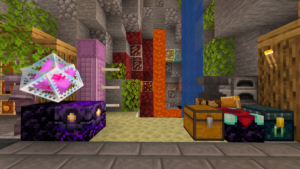
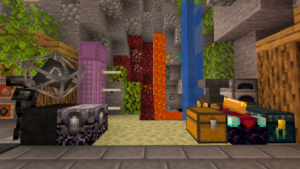
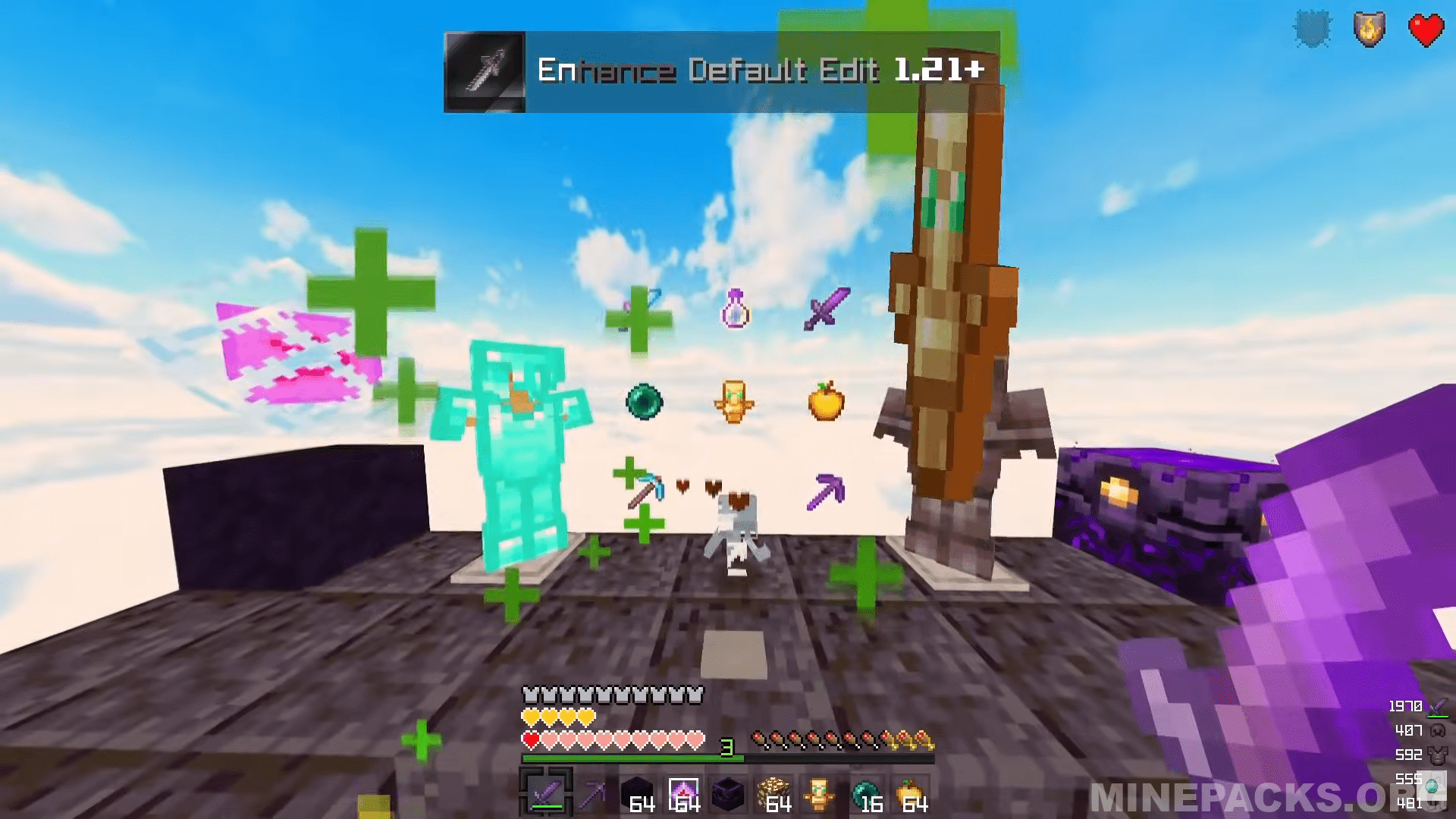
In search for a texture pack that maintains Minecraft’s traditional vibe while adding polish The Enhance Default Edit does
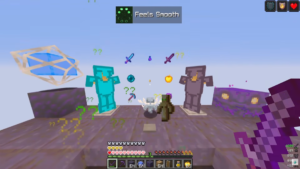
exactly that. @Jylito’s pack improves your 1.21 Java experience with smoother graphics and cleaner blocks. You will notice that items appear sharper, and the sky has soft clouds below and clear skies above. Furthermore, reduced swords provide better visibility during fights, whereas totems maintain their vanilla look. Ideal for crystal PVP enthusiasts and SMP players alike.
Texture Pack Details
Compatible Version: Minecraft Java Edition 1.21
Creator: @Jylito
Original download link provided from the creator
All credits go to @Jylito, the original creator of the Enhance Default Edit texture pack
Disclaimer
This website does not host any files. All texture packs belong to their respective creators. If you are the creator or rights holder and wish for any content to be removed, please contact us and it will be taken down promptly.t to be removed, please contact us and it will be taken down promptly.