Download Links
1.21.X
Clean gameplay with grey edit.
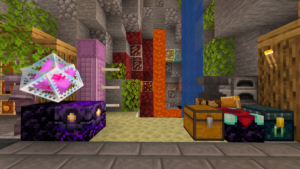
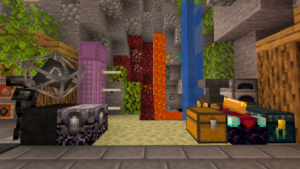
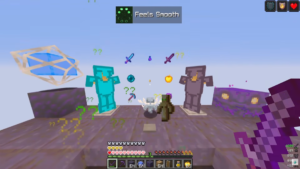
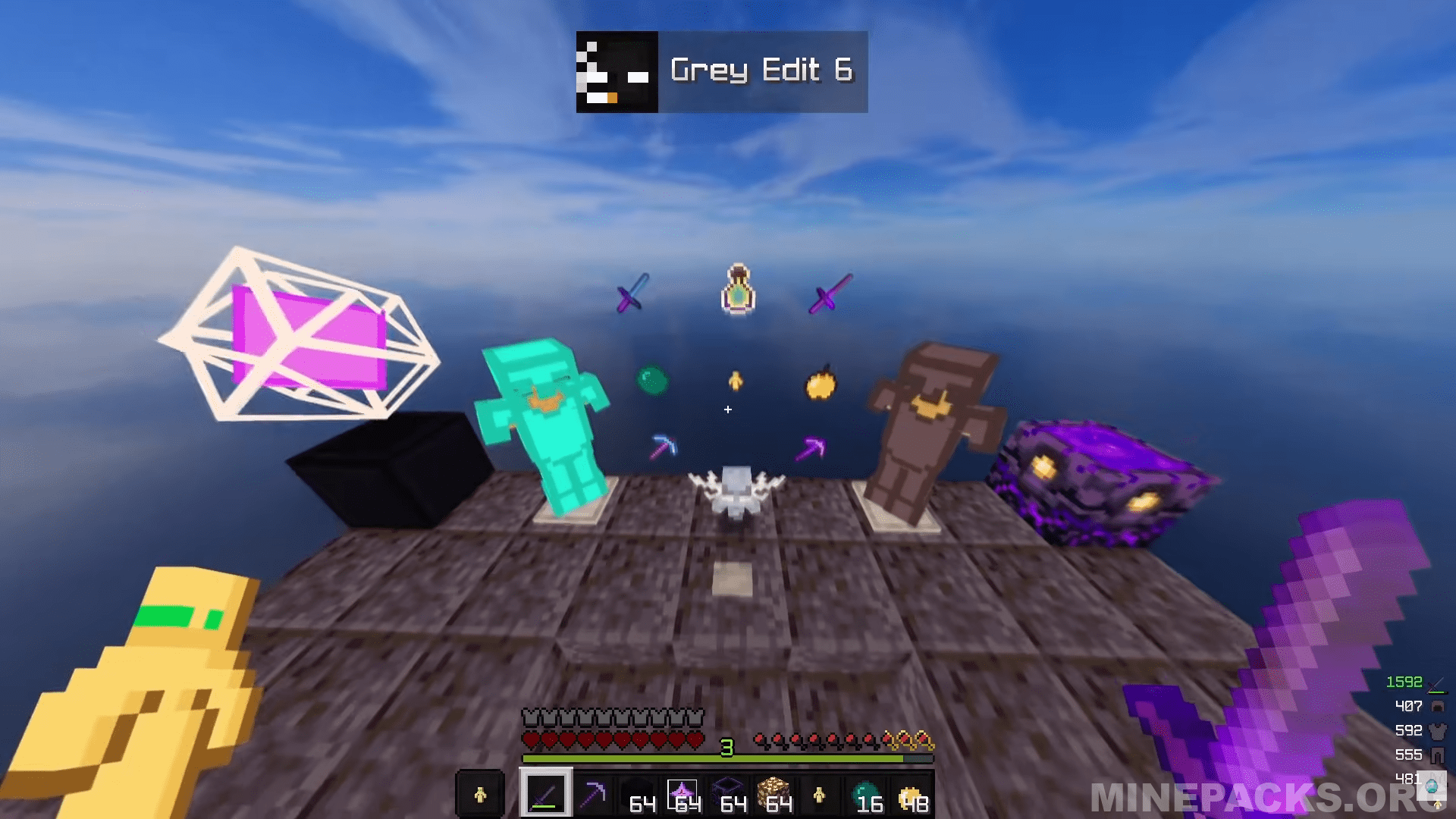
Grey Edit provides a clean take on Minecraft’s basic aesthetic without going crazy. Goats created this pack for version 1.21, which maintains things familiar while smoothing down the rough edges. You will notice cleaner item textures, smaller weapon models, and a compact totem design that will not obstruct your view during intense gameplay. The sky also receives a makeover, with a semi-cloudy deep blue atmosphere.
Texture Pack Details
- Compatible Version: Minecraft Java Edition 1.21
- Creator: goats
- Original download link provided from the creator
- All credits go to goats, the original creator of the Grey Edit texture pack
Disclaimer
This website does not host any files. All texture packs belong to their respective creators. If you are the creator or rights holder and wish for any content to be removed, please contact us and it will be taken down promptly.
Download links
⚠️ Download only from minepacks.org / MediaFire / pvprp.com, or other trusted webs. Don't download anything from suspicious sites.