1.20.X
Voidgloom Texture Pack for Minecraft Java
Voidgloom Texture Pack is a modern PvP-focused pack designed for Minecraft Java 1.20, especially for players who enjoy fast and competitive gameplay. This pack stands out thanks to its strong purple aesthetic, clean visuals, and smart modifications that improve visibility during fights. In addition, it works perfectly for SMP, PvP, and Crystal PvP, making it a very versatile choice.
Moreover, the pack feels smooth and polished, since every texture follows the same dark and vibrant color theme. As a result, gameplay looks more immersive while remaining clear and practical during intense combat.
Main Features of Voidgloom resource pack
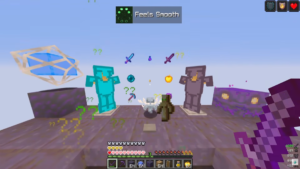
First of all, Voidgloom Texture Pack focuses heavily on PvP optimization. Swords appear shorter, which helps keep the screen clean and improves aim during fights. At the same time, the fire texture looks lower, so it does not block vision while fighting or placing crystals.
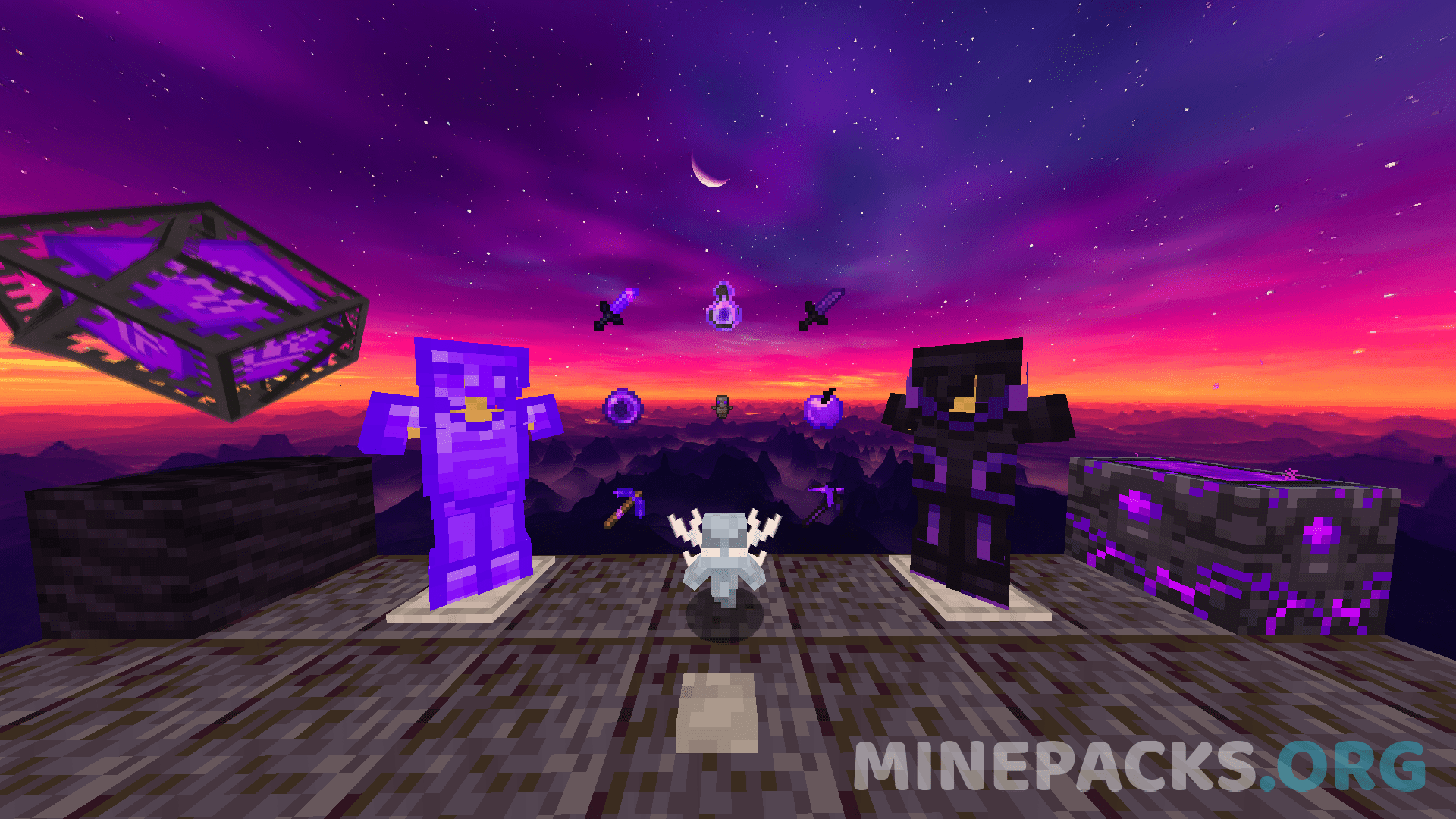
In addition, most PvP-related items have been recolored to purple tones, creating a consistent and aggressive style. The totem is also smaller, both in hand and on screen, which is especially useful for Crystal PvP where reaction time matters a lot.
Furthermore, the daytime sky shows a purple, sunset-like effect with multiple colors, giving the world a unique atmosphere without distracting the player.
PvP Items, Armor, and Visual Changes
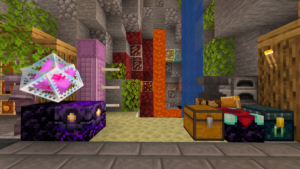
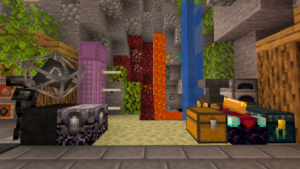
Voidgloom Texture Pack introduces clear and effective changes to essential items. Diamonds and Netherite now appear in purple shades, with Netherite using a darker and more intense tone. This change not only looks unique but also fits perfectly with the pack’s overall style.
Additionally, PvP items receive detailed edits that improve clarity and comfort. Because of this, players can focus more on combat instead of visual clutter. Every modification serves a practical purpose, especially for Crystal PvP and SMP fights.
Gameplay Experience and Performance
Thanks to its clean design and optimized textures, Voidgloom Texture Pack runs smoothly and keeps FPS stable, even during heavy PvP situations. Therefore, it performs well on both mid-range and low-end PCs.
Also, the pack feels responsive and fluid, which helps during fast crystal placements and sword fights. For the best experience, using OptiFine or Sodium is recommended, since both enhance performance and visual sharpness..
Compatibility and Creator Credits
Voidgloom Texture Pack is fully compatible with modern Minecraft Java versions and works perfectly in PvP-based modes. The pack was created by @Alteuz, who focused on competitive gameplay and a strong visual identity.
Below, you can find the original download link, provided by the creator.