1.8.X
Clean game with the Glacite texture pack.
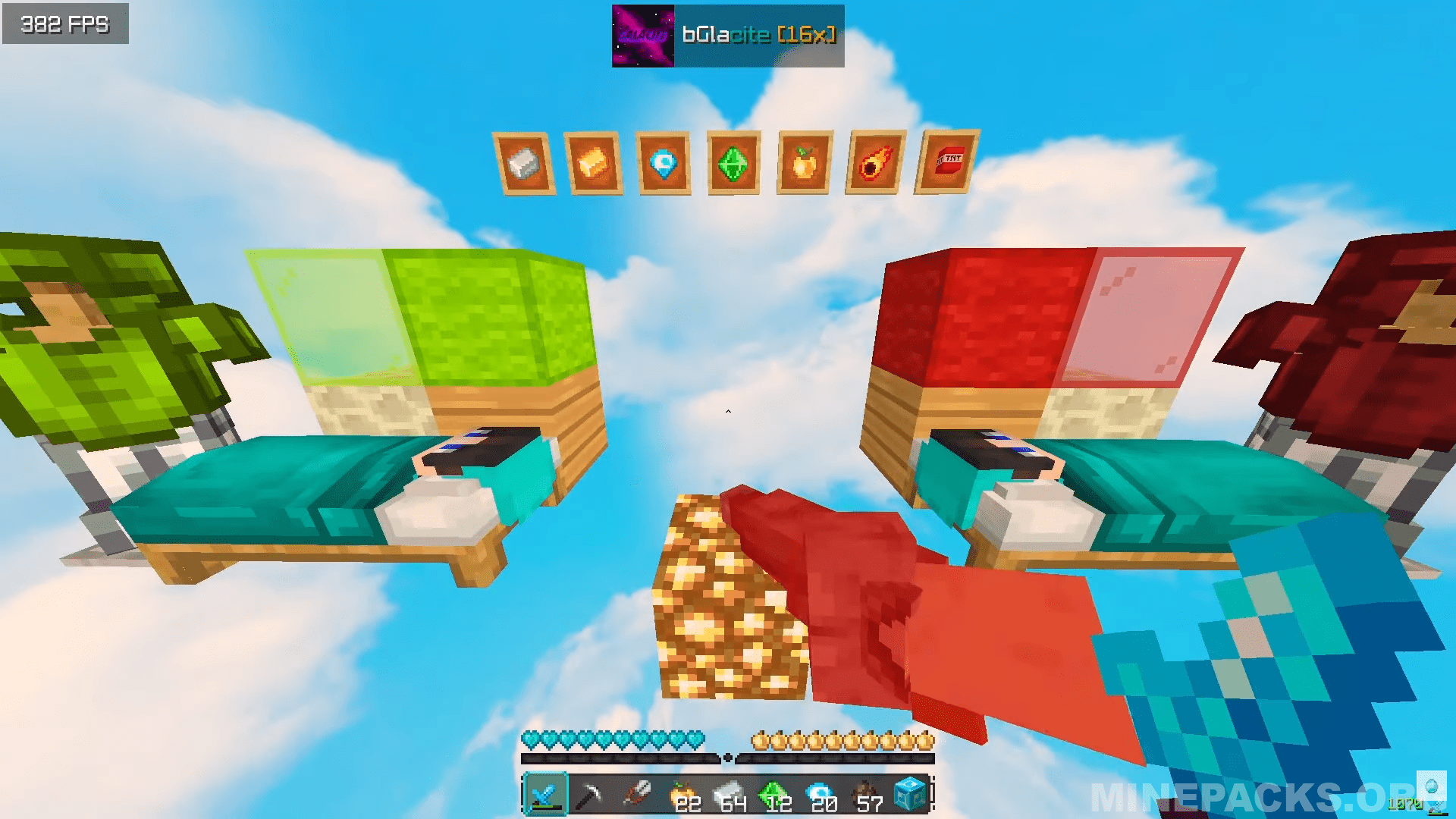
Glacite brings a fresh look to your game while keeping that classic Minecraft feel intact. Created by globesg, this pack gives you clear skies with fluffy clouds overhead, plus redesigned tools and weapons perfect for competitive play. The diamonds, emeralds, and other ores look more realistic, and everything from your sword to your pickaxe gets a compact makeover that won’t block your view during intense battles.
Texture Pack Details
Compatible Version: Minecraft Java Edition 1.8.9
Creator: globesg
Original download link provided from the creator
All credits go to globesg, the original creator of the Glacite texture pack
Disclaimer
This website does not host any files. All texture packs belong to their respective creators. If you are the creator or rights holder and wish for any content to be removed, please contact us and it will be taken down promptly.
Download links
Recently added packs
Frequently Asked Questions
How do I install Glacite 16x Texture pack?
Download the Glacite 16x Texture pack .zip from Minepacks, launch Minecraft and navigate to Options then Resource Packs, click Open Pack Folder, place the .zip inside the folder, then activate the resource pack in-game. No mods required.
What Minecraft versions does Glacite 16x Texture pack support?
Glacite 16x Texture pack works on Minecraft Java Edition. Check the pack page for the exact version details before you download.
Is Glacite 16x Texture pack free to download?
Yes, Glacite 16x Texture pack is completely free to download on Minepacks, with screenshots and a full review so you can explore the texture pack before you download.
Will Glacite 16x Texture pack work on multiplayer servers?
Absolutely. Glacite 16x Texture pack is a resource pack, so it only affects how the game looks and is fully allowed on almost every Minecraft server.