1.20.X
Dr Donut Inspired Texture Pack for Minecraft 1.20
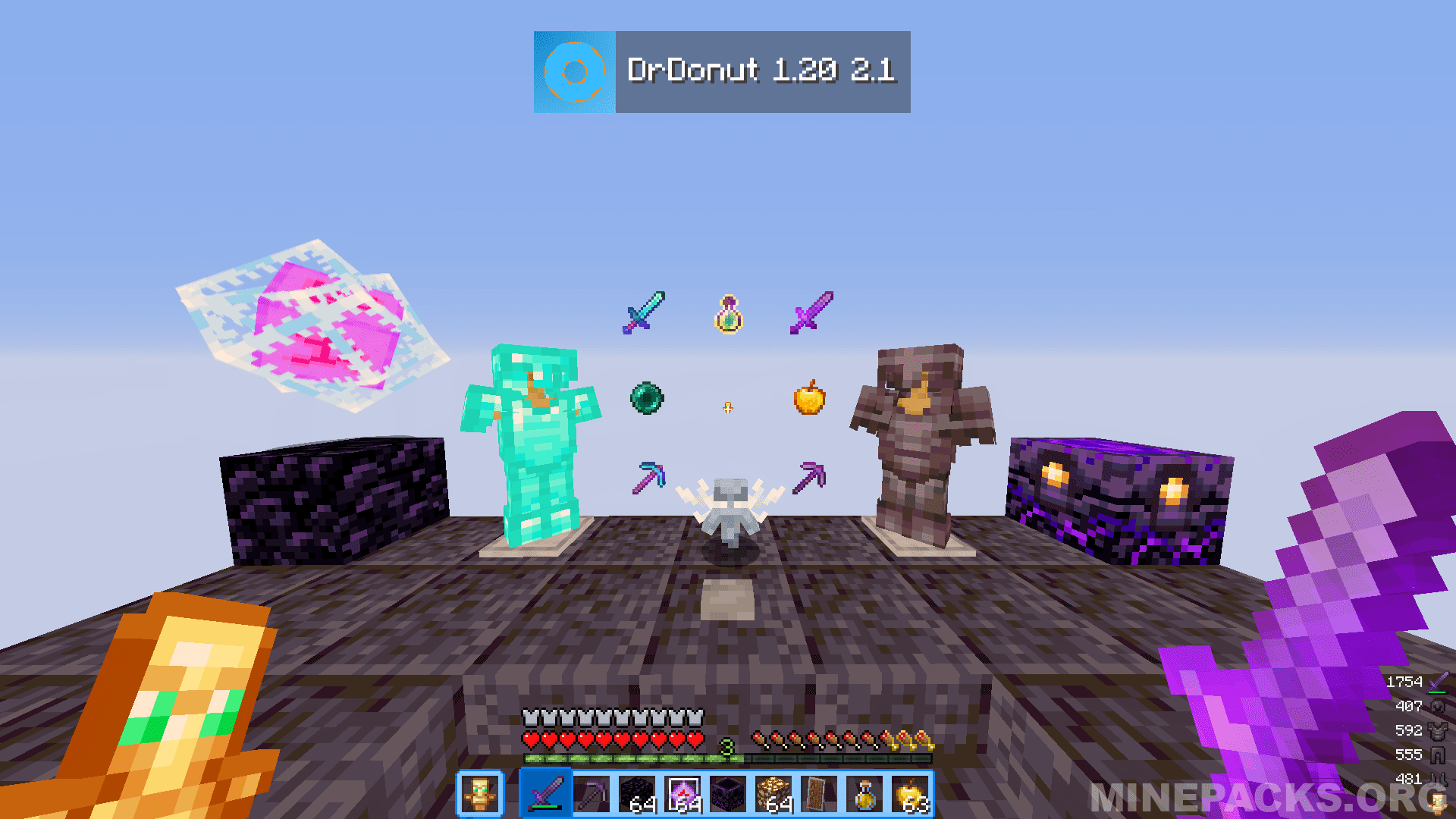
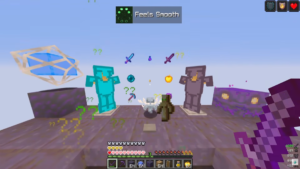
The Dr Donut inspired texture pack for Minecraft 1.20 delivers a clean vanilla style with smart PvP adjustments. Created by Captommy and published on Modrinth, this pack focuses on competitive clarity. It keeps the default Minecraft feel while reducing the size of swords and totems. As a result, players gain better screen visibility during SMP and crystal PvP fights without losing familiarity.
Visual Identity and Vanilla Feel with Blue Inventory Theme
This pack stands out because of its blue themed inventory inspired by Dr Donut. While it keeps most textures close to vanilla, it adjusts important PvP elements for better control. Smaller swords and compact totems reduce visual obstruction. Therefore, players can track movement more easily. The overall design remains simple, which makes it perfect for long sessions on survival multiplayer servers.
PvP Advantage and Screen Clarity for SMP and Crystal Combat
Because the pack reduces the size of key combat items, players see more of their surroundings during fights. This detail helps in crystal PvP where positioning matters. At the same time, it keeps performance stable on Java Edition. The vanilla base ensures compatibility and comfort, while the scaled PvP items improve visibility. As a result, competitive players gain subtle but useful advantages.
Texture Pack Details
Compatible Version: Minecraft Java Edition 1.20.X
Creator: CaptainTommy
Made for: Dr Donut (YouTuber)
Original download link: Available on Modrinth
All credits belong to: CaptainTommy, the original creator of the DrDonut texture pack
Disclaimer:
This website doesn’t host any files. Every texture pack belongs to its respective creator. If you’re the creator or rights holder and want any content removed, please contact us so we can take it down immediately.
Download links
Recently added packs

Frequently Asked Questions
How do I install DrDonut Texture Pack For Java 1.20?
Download the DrDonut Texture Pack For Java 1.20 .zip from Minepacks, launch Minecraft and navigate to Options then Resource Packs, click Open Pack Folder, place the .zip inside the folder, then activate the resource pack in-game. No mods required.
What Minecraft versions does DrDonut Texture Pack For Java 1.20 support?
DrDonut Texture Pack For Java 1.20 works on Minecraft Java Edition. Check the pack page for the exact version details before you download.
Is DrDonut Texture Pack For Java 1.20 free to download?
Yes, DrDonut Texture Pack For Java 1.20 is completely free to download on Minepacks, with screenshots and a full review so you can explore the texture pack before you download.
Will DrDonut Texture Pack For Java 1.20 work on multiplayer servers?
Absolutely. DrDonut Texture Pack For Java 1.20 is a resource pack, so it only affects how the game looks and is fully allowed on almost every Minecraft server.