1.8.X
A Fresh Take on Minecraft’s Classic Look
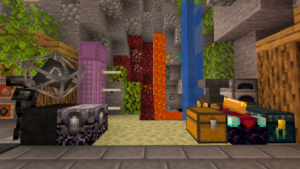
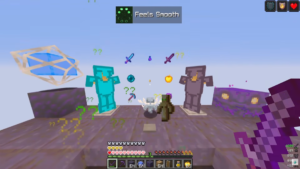
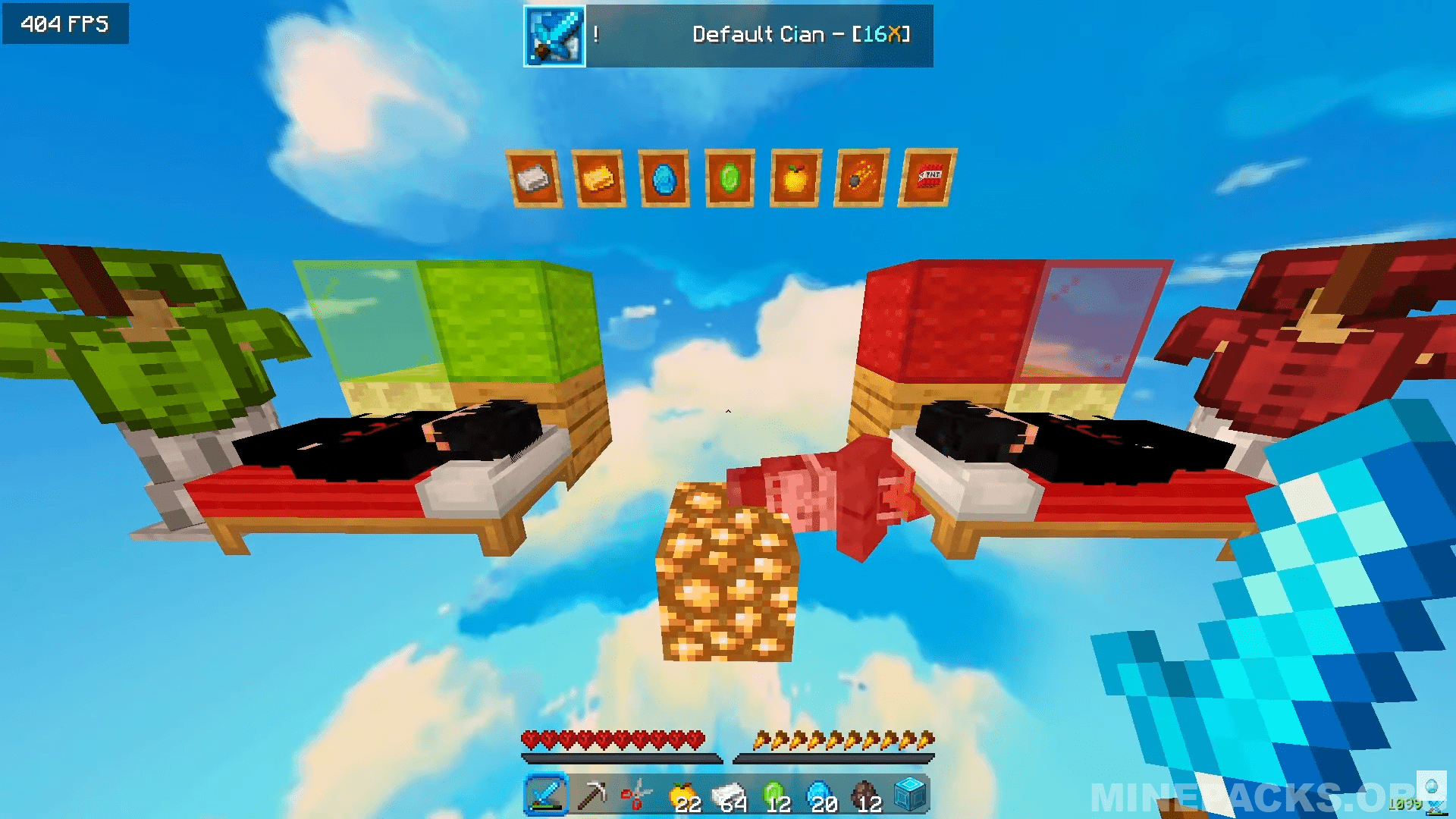
Default Cyan brings a clean approach to Minecraft’s original style. Created by drwng, this pack keeps things familiar while adding smart changes for players who love combat modes like Bedwars. The sky catches your eye right away with its deep blue color and puffy clouds that stand out more than usual. Meanwhile, weapons and tools get resized to help you see better during fights. What makes this pack different is the attention to small things – even the bed has extra details, including the creator’s character lying on it, which you won’t find in other packs.
Texture Pack Details
Compatible Version: Minecraft Java Edition 1.8.9
Creator: drwng
Resolution: 16×16
Original download link provided from the creator
All credits go to drwng, the original creator of the Default Cyan texture pack
Download links
Recently added packs
Frequently Asked Questions
How do I install Default cian 16x Texture pack?
Download the Default cian 16x Texture pack .zip from Minepacks, launch Minecraft and navigate to Options then Resource Packs, click Open Pack Folder, place the .zip inside the folder, then activate the resource pack in-game. No mods required.
What Minecraft versions does Default cian 16x Texture pack support?
Default cian 16x Texture pack works on Minecraft Java Edition. Check the pack page for the exact version details before you download.
Is Default cian 16x Texture pack free to download?
Yes, Default cian 16x Texture pack is completely free to download on Minepacks, with screenshots and a full review so you can explore the texture pack before you download.
Will Default cian 16x Texture pack work on multiplayer servers?
Absolutely. Default cian 16x Texture pack is a resource pack, so it only affects how the game looks and is fully allowed on almost every Minecraft server.