images from: technolot on youtube
1.18.X
Overview of Gandy Fault texture pack
Gandy Fault is a Crystal PvP texture pack with a clean and simple style. It uses a gray color palette that gives the game a calm and organized look. The creator focused on making textures that do not distract the player, which is great for fast PvP matches. The pack introduces new armor colors, thinner weapons, and smoother particles. Because of this, the gameplay feels clearer and more comfortable.
Key visual features of Gandy fault texture pack
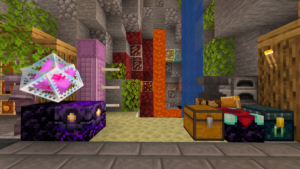
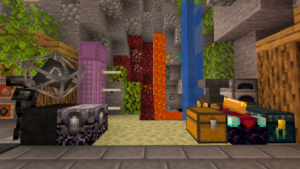
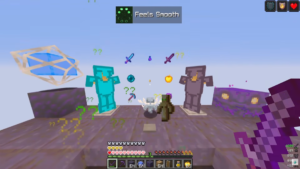
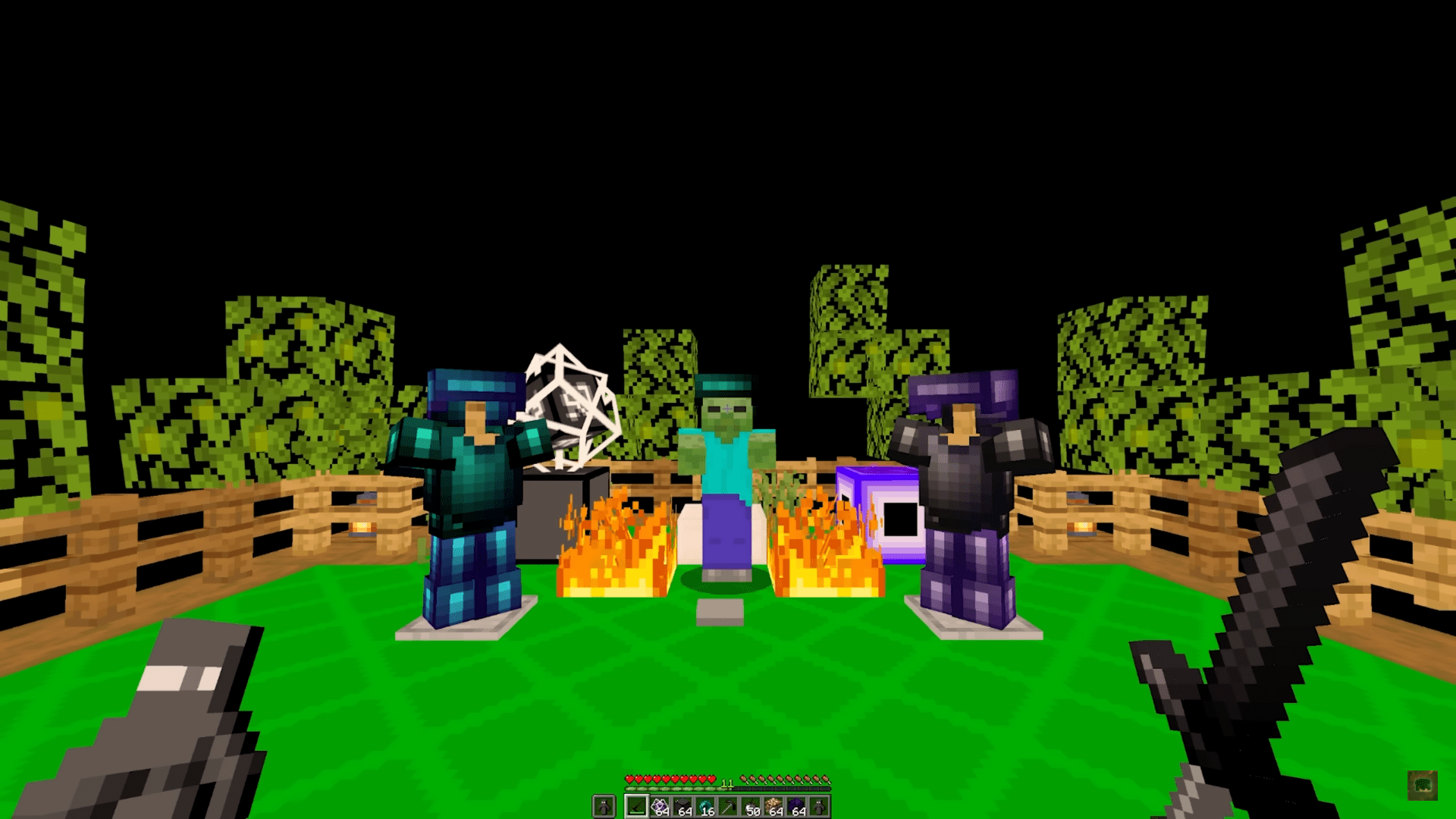
The pack brings several noticeable visual changes. For example, the diamond armor now has a dark navy tone, and the netherite armor turns into a soft gray that matches the rest of the pack. Most tools and weapons also follow this gray style, so the whole pack feels consistent. In addition, the fire is lower and gray, making fights easier since the flames do not block your view.
The totem shows a small and clean activation animation, which fits the simple design. Items like crystals and obsidian also adopt the same gray look. As a result, everything blends well and creates a smooth experience during combat.
Modified items and textures
Gandy Fault changes many tools, blocks, and items to improve visibility. The swords have a medium-slim shape, which gives you more space on the screen and helps during PvP. The ores receive slight adjustments too, so you can identify them faster while mining. Furthermore, the gray color theme appears in many items such as the totem, weapons, and armor, making the pack easy to understand at a glance.
The simple textures make the game feel clean without removing important details. Thanks to these changes, players get a balanced mix of style and clarity, which is ideal for PvP or normal gameplay.
Compatibility
The Gandy Fault texture pack is for 1.18 and works smoothly on modern Minecraft Java versions. Its lightweight textures keep FPS stable even on lower-end PCs. For the best results, use it with OptiFine or Sodium and turn off demanding settings like Fancy Graphics. This setup gives you clear visuals, fast loading, and a responsive PvP experience.
Origin / Credits
The Gandy Fault texture pack was created by Gandy, who designed it with a clean gray theme and smooth PvP visuals in mind. All textures, recolors, and item adjustments belong to the original creator. If you enjoy the pack, make sure to support Gandy on their official release pages.